Automate & Scale: The Business Owner’s Guide to Workflow Automation with AI – by Randy Dailey
Presented by BigVid.ai

Introduction
Hello — I’m Randy Dailey, founder of BigVid.ai. I’ve worked with hundreds of businesses just like yours: dentists, law firms, chiropractors, agencies, service providers — and one of the biggest bottlenecks I see is inefficient workflows. You’re spending too much time on operations, scheduling, inbound/outbound calls, follow-up, answering the same questions over and over.
What if you could set up a system that runs almost on autopilot? Where leads are captured, qualified, scheduled, followed up, re-scheduled if needed, and your team only focuses on closing or serving? That’s exactly what you’ll learn in this guide: how to set up and automate your workflows using AI Agents, chat-bots, scheduling tools, voice calls, CRM integrations and more.
Best of all – you can do a lot of this with minimal financial investment, then scale into paid tools if needed. At the end, I’ll show you how BigVid.ai bundles all of these capabilities into one integrated platform so you don’t have to patch together a dozen different systems.
Section 1: Why Workflow Automation Matters
The cost of manual processes
-
Every time someone manually schedules or reschedules a call, you’re using up time you could spend growing the business.
-
Every lead that isn’t contacted within minutes is likely to go cold. According to our data at BigVid.ai, businesses that responded to leads within seconds saw significantly higher show-up and conversion rates. bigvid.ai
-
Repetition drains morale: answering the same questions, juggling multiple platforms, losing data between tools.
-
Broken workflows = dropped leads, frustrated clients, missed revenue.
What good automation achieves
-
Inbound lead capture → instant qualification → call scheduled (or rescheduled automatically).
-
Outbound calls handled by AI-voice agents (so your team doesn’t dial one by one).
-
Chatbots on your website/social ads that ask the right questions, collect data, send appointments to your calendar, answer FAQs.
-
Cross-channel nurturing: ads to chat to email to SMS reminders to voice call → all integrated.
-
Your team focuses on what they do best: serving clients and closing deals. The machine handles the rest.
Section 2: Key Platforms & Tools You Can Use (Free + Paid)
Here are core categories, with tools you can start for free.
Workflow Automation
-
Zapier: Connects apps and automates workflows. Free tier available.
-
n8n: Free & open-source workflow automation tool, great for building and running AI automations.
-
Make.com (formerly Integromat): Integrates AI into workflows, free tier to start.
-
Microsoft Power Automate: Especially strong if you’re using Microsoft ecosystem.
AI Assistants & Content Creation
-
ChatGPT: For writing, problem-solving, generating automation logic.
-
Gemini (Google’s AI model): Useful for ideas, content, conversational flows.
-
Canva Magic Studio: AI-powered design tool for graphics, posts, social content.
Coding & Testing (for more advanced users)
-
GitHub Copilot: Automates coding tasks, including unit tests.
-
Keploy: Open-source tool for API/integration testing with AI.
-
Selenium: Web browser automation tool (open-source).
-
Blinq.io: AI-powered low-code test automation tool.
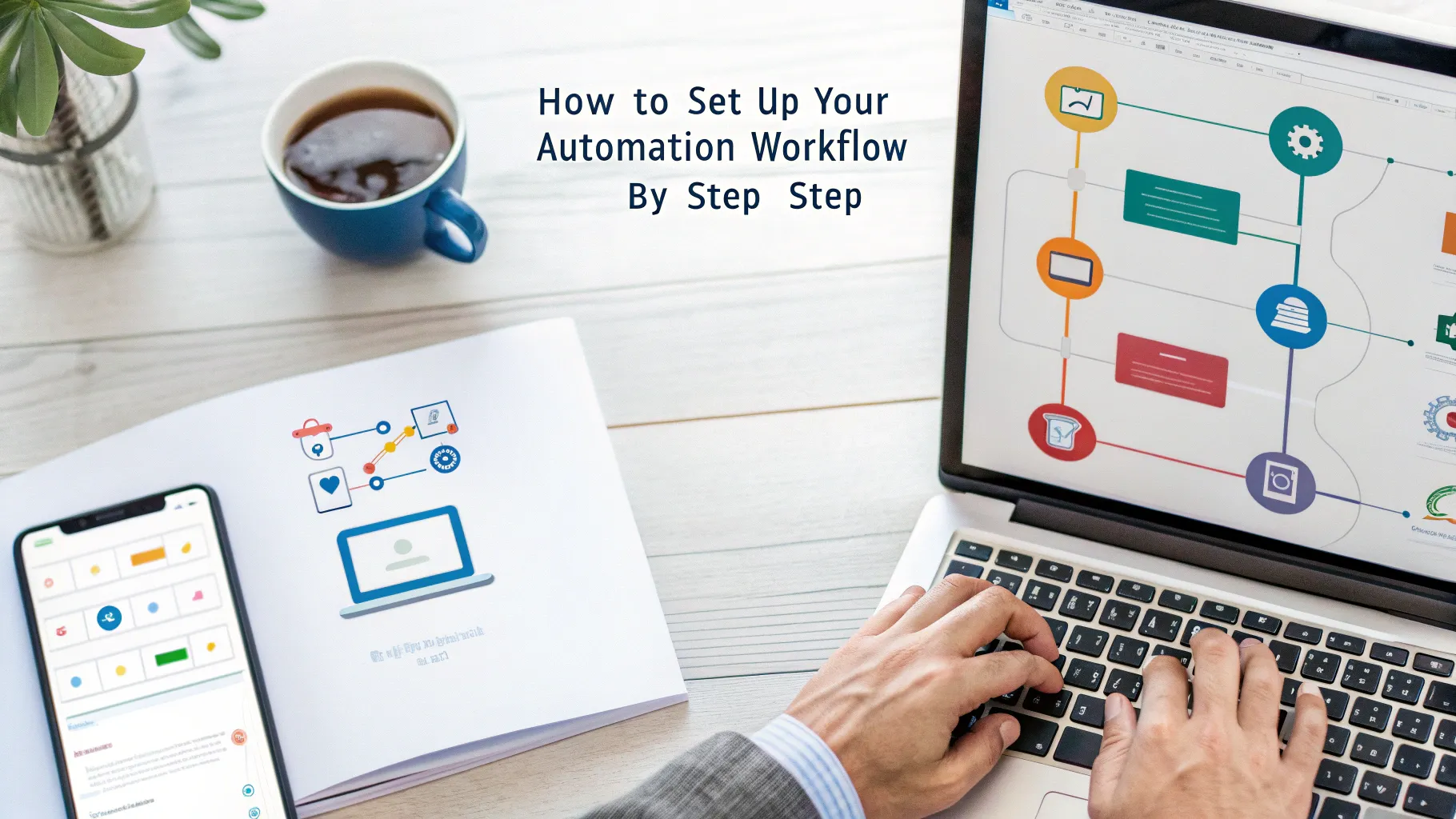
Section 3: How to Set Up Your Automation Workflow – Step by Step
Let’s walk through a typical workflow for a service-business (dentist / chiropractor) and show how you can implement each step.
Step 1 – Lead Capture
-
You run a Meta or Google ad. A prospect clicks.
-
They’re directed to a landing page or chat widget.
-
Use: a chatbot (via e.g. Flow Wise) or website embedded chat to ask: “Hi, thanks for your interest. What service are you looking for? Your name? Best phone number?”
-
The data is sent into your CRM (for example, HubSpot CRM) via Zapier or n8n.
Step 2 – Lead Qualification
-
The chatbot asks qualifying questions: service type, urgency, budget, preferred date.
-
If they match your criteria, the workflow triggers:
-
Create contact in CRM.
-
Send automated confirmation text or WhatsApp (via integration).
-
Trigger scheduling.
-
Step 3 – Scheduling / AI Voice Agent
-
The qualified lead is prompted to pick a time slot (via calendar integration, e.g., Calendly, or direct call booking widget).
-
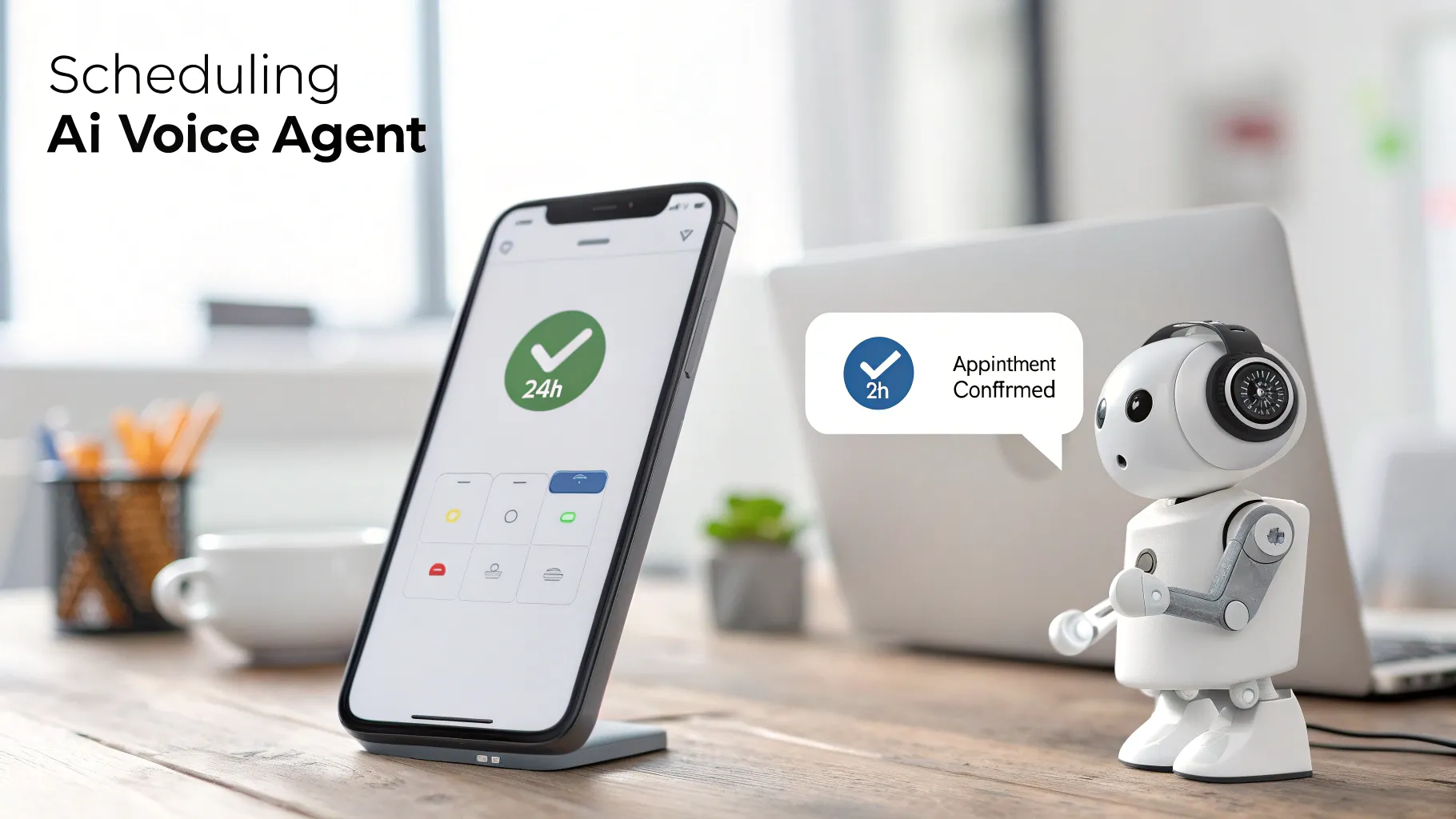
Use an AI voice agent (via e.g. VAPI) to call or text them: confirm the appointment, ask any pre-appointment questions, handle rescheduling automatically.
-
If the lead doesn’t answer, trigger a follow-up: SMS/WhatsApp + email.
Step 4 – Pre-Appointment Nurture
-
After booking: send an email (via Mailchimp) or SMS thanking them, reminding them of the date, with preparation instructions.
-
Chatbot can ask: “Do you have any questions before your visit?” If yes, route to live chat or AI chat.
-
Automated reminder 24 h before, 2 h before.
Step 5 – Appointment & Follow-Up
-
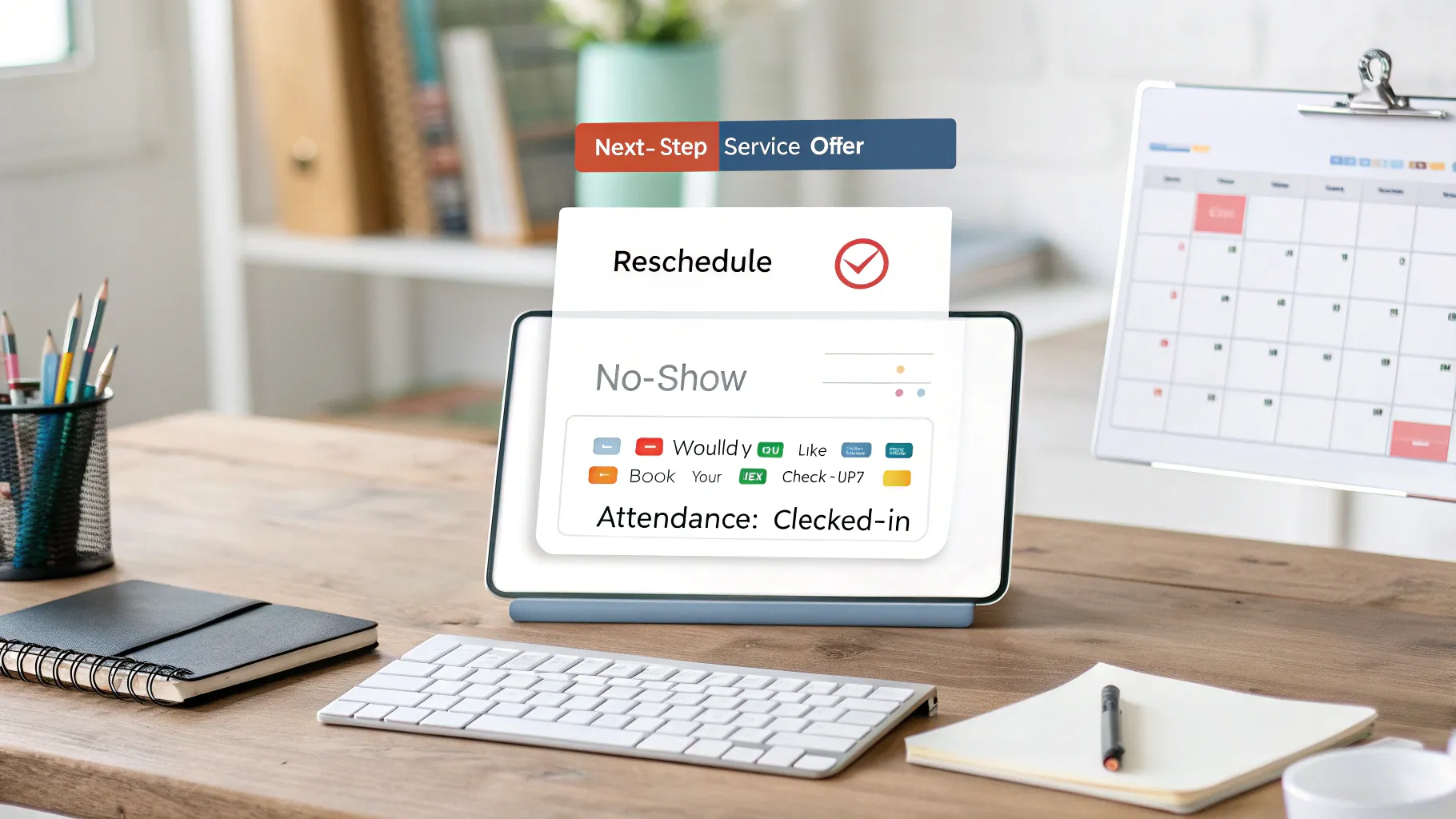
On show-up: the system logs attendance in CRM.
-
If no-show: trigger reschedule workflow.
-
After service: send feedback request (via chatbot/email), upsell offer or next-step service.
Step 6 – Outbound Leads / Reactivation
-
Use AI voice agents for outbound campaigns: “Hello, it’s been 6 months since your last visit — would you like to book your next check-up?”
-
Chatbots or email segmentation in CRM send targeted outreach to past clients, lapsed clients, high-value clients.
Step 7 – Dashboard & Analytics
-
Use CRM + automation tool dashboard (Zapier, n8n) to track:
-
Number of leads captured
-
Time to first contact
-
Appointments booked
-
Show-up rate
-
Revenue per appointment
-
-
Use insights to optimize: if time to first contact is > 5 minutes, add faster AI-call trigger.
Section 4: DIY vs Paid Solutions – Chart Comparison
Here’s an easy-to-read chart comparing doing it yourself (DIY) versus using paid/integrated solutions (like BigVid.ai)
| Criteria | DIY Automation | Paid/All-in-One Solution |
|---|---|---|
| Upfront cost | Low (many free tools) | Higher monthly fee |
| Setup time & complexity | Longer, more technical work | Faster, turnkey setup |
| Integration effort | You’ll connect multiple tools (Zapier, CRM, voice, chat) | Everything built, less stitching |
| Maintenance & updates | You manage tool changes, APIs, bugs | Vendor handles upgrades |
| Flexibility & control | High – you choose each tool | Less – you depend on provider’s stack |
| Time to value | Potentially slower | Faster because system is ready |
| Risk of tool-mismatch or failure | Higher | Lower because vendor ensures compatibility |
Estimated Cost Breakdown (DIY Tools)
Here is a rough estimate of what separate tools might cost monthly (in USD) if you move to paid tiers:
-
Zapier: ~$25 – $50
-
n8n (cloud version) / automation hosting: $20 – $100
-
Mailchimp (advanced): $30 – $300 depending on contacts
-
VAPI (AI voice calls): varies widely, perhaps $50 – $200+ depending on volume
-
CRM (HubSpot paid tier): $50 – $400+
-
Chatbot platform (Flow Wise or similar): $30 – $200
Total DIY range: ~$200–$1,000+ per month, depending on scale.
With a paid all-in-one system you might pay something similar (or more) but you get unified support, faster deploy, fewer integration headaches.
Section 5: Why It’s Critical to Join the AI World Now
-
AI is no longer optional — it’s the new baseline. According to industry trends, businesses that don’t integrate AI into their workflows will be left behind. bigvid.ai+1
-
Instant response = higher conversions. Your prospects expect fast, immediate engagement.
-
Clients expect 24/7 responsiveness: chat, voice, scheduling. AI makes that possible at scale.
-
Efficiency = lower cost, higher profit. Automating operations frees you and your team to focus on growth and high-value tasks.
-
Data & insights: AI + automation gives you dashboards, segmentation, lead scoring, which means you make smarter decisions.
-
Competitive edge: If your competitor still does things manually, you’ll out-pace them with automation.
Section 6: Why BigVid.ai Is Your Integration Super-Solution
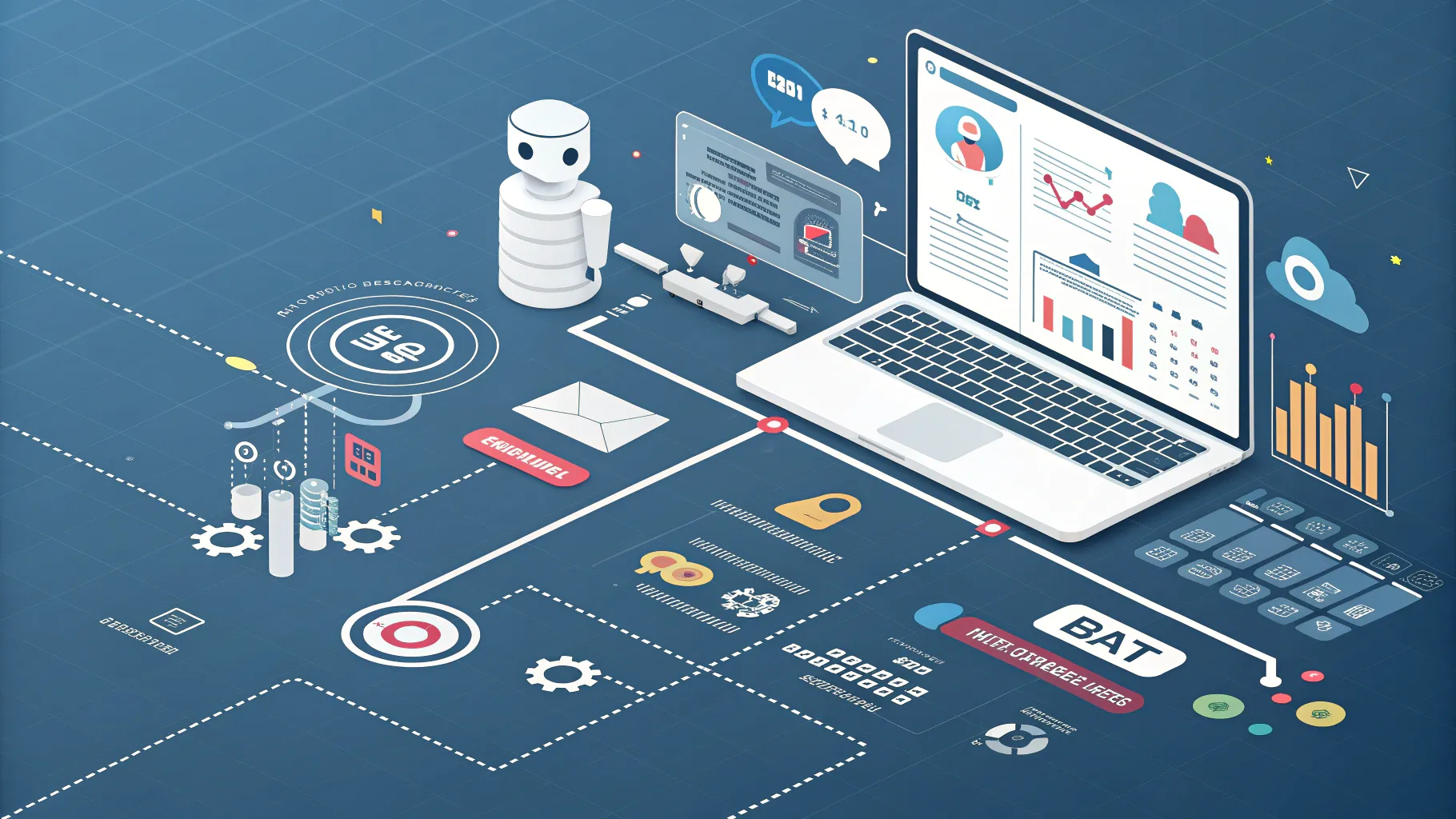
At BigVid.ai, we understand that the biggest barrier isn’t the tools, it’s the integration and management of tools. That’s why we built a platform and service where we:
-
Design and deploy your entire customer journey — from ad click to closed deal — with zero manual work. bigvid.ai+1
-
Build custom AI agents and chatbots that handle inbound/outbound calls, messages, scheduling, rescheduling, reminders. bigvid.ai+1
-
Integrate your ads (Meta, Google), your content (social posts, video testimonials), your CRM, your voice agents, your email/SMS flows — all in one place. bigvid.ai
-
Provide analytics dashboards: track calls, bookings, show-up rates, revenue attribution. Minimal intervention required from you. bigvid.ai
-
Manage everything for you: you approve content and workflows, we handle the heavy lifting. bigvid.ai
In short: rather than stitching together 5-10 tools, dealing with APIs, debugging workflows, you work with one trusted partner (us) who supplies the whole machine.
Conclusion
Automation with AI isn’t a future luxury — it’s here now. Whether you’re a dentist, a chiropractor, a consultant, a service-provider, if you’re still manually handling lead capture, calls, scheduling, chatting with prospects one-by-one, you’re leaving money on the table.
Start by building simple workflows with free or low-cost tools: chatbot on your website, CRM integration, scheduling + reminders. Then layer AI voice agents, outbound rescheduling, omnichannel chat. Once you get traction, you’ll see the value of an integrated platform that can scale with you.
At BigVid.ai we’re here to help you make that leap. If you’re ready to turn your operations into an automated, lead-generating machine, let’s talk.
Thank you for downloading this guide. Here’s to automating smarter, growing stronger, and staying ahead.
— Randy Dailey, Founder, BigVid.ai
If you’d like a free consultation to review your current workflow, map automation opportunities, or see how BigVid.ai can plug in, contact us at hello@bigvid.ai or visit www.bigvid.ai to schedule a demo.